Your first space
By the time you finish onboarding, you already have a space — Inkome created one for you. This page explains what that first space is, what’s in it, and how to add more when you need them.
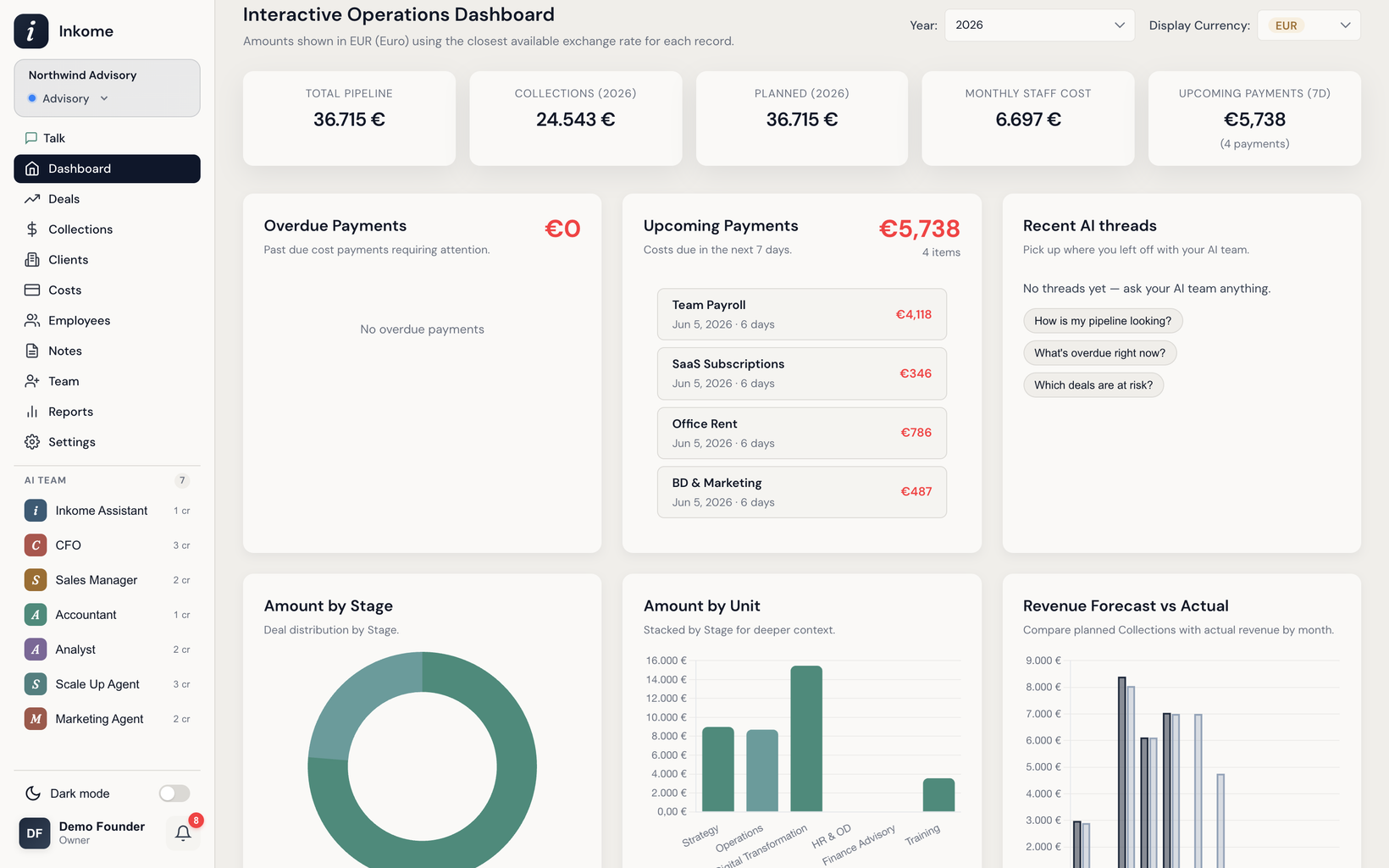
You already have one
Every organization starts with a default space. When you created your organization it was named Main, and the onboarding wizard let you rename it, color it, set its currency, and choose its business type. That’s your first space — there’s nothing extra to set up to start working.
A space is one isolated revenue stream: its own deals, collections, and costs, kept separate from any other stream. For the deeper explanation of why spaces work this way, see Spaces: isolated revenue streams.
What’s already inside it
Based on the business type or industry you picked during onboarding, your first space comes pre-filled with sensible defaults so you’re not staring at an empty app:
- Pipeline stages — the steps a deal moves through (for a services space, for example: Discovery, Proposal, Negotiation, Closed Won, Closed Lost)
- Units — the categories or departments you group work under
- Cost types — the categories you’ll file your costs into
All of these are starting points. You can rename, recolor, reorder, add, or remove any of them — see Stages & categories, Units, and Cost types.
Adding another space
When a genuinely different revenue stream comes along, you add a new space rather than mixing it into the first one. Each space carries its own business type, so a new space can speak an entirely different language from your first.
A few things to know about creating spaces:
- Only organization owners and admins can create spaces.
- A space needs a name (it must be unique within your organization), and you can set a color, a business type, and a default currency (TRY, USD, EUR, or GBP).
- If you don’t set a currency, a new space inherits the currency of your most recently created space.
- Like onboarding, a new space gets its own default stages, units, and cost types based on its business type or industry.
When to make a new space vs. reuse this one
A quick rule: if you’d want a separate dashboard for it, it’s probably a separate space. Create a new space when the stream is genuinely different — a different business type, or work you want reported separately with its own stages and costs. Reuse your existing space when it’s just more of the same — a new client, project, or product within a catalog you already track. The full guidance is in Spaces: isolated revenue streams.
Prev: The onboarding wizard Next: Spaces: isolated revenue streams Up: User guide index