Collections overview
A deal closing doesn’t put money in your bank — collecting does. Collections are the second corner of the triangle: the actual cash that arrives against your deals. This is where Inkome closes the gap that CRMs ignore, tracking what’s been paid, what’s still owed, and when it’s due.
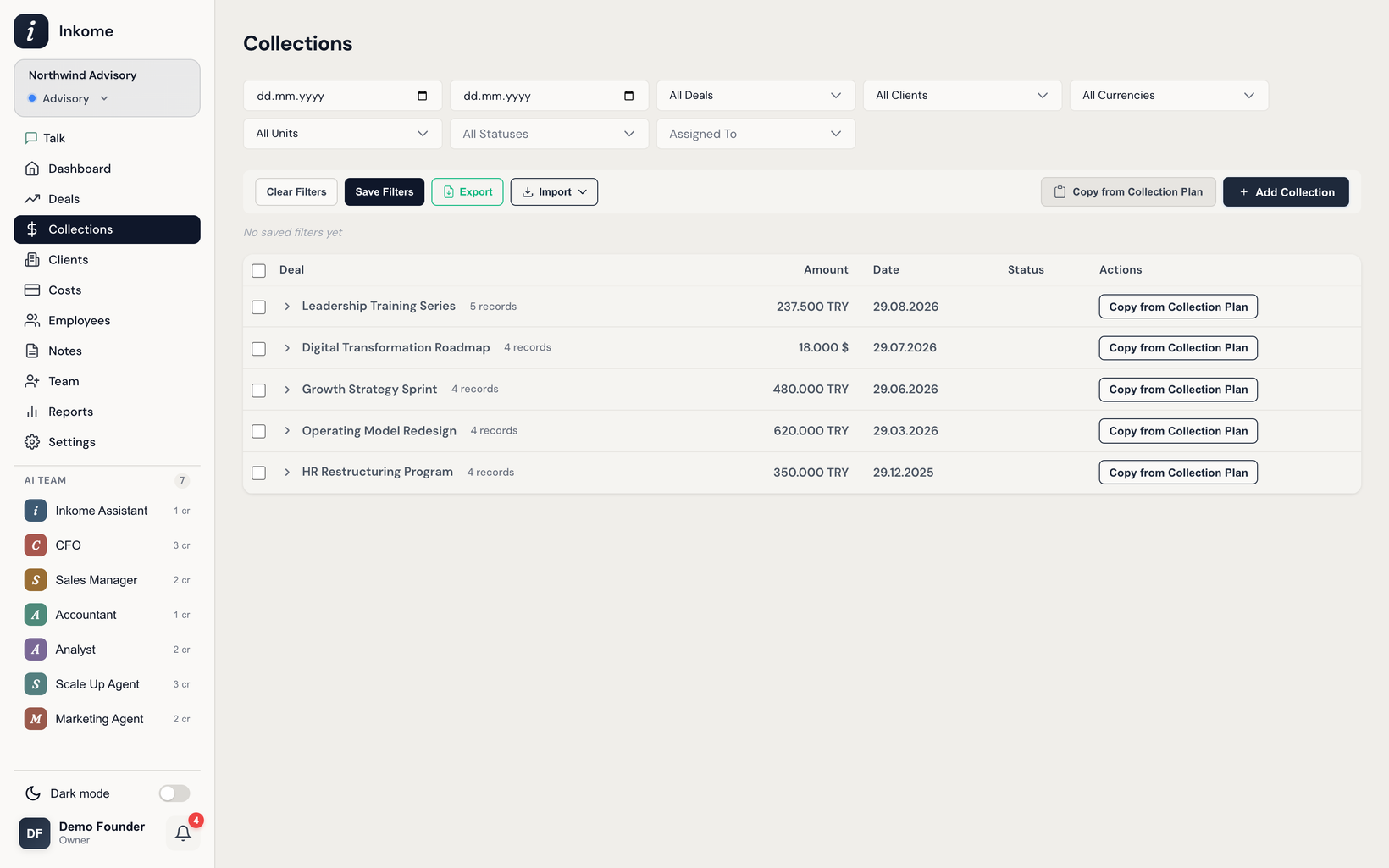
Collection vs. plan
Two related ideas live in this section, and it’s worth keeping them straight:
- A collection is a real payment event — money you’ve received, or expect to receive on a specific date. See Recording a collection.
- A collection plan is a forecast — a schedule of when you expect income against a deal, before any of it lands. See Collection plans.
The plan is the promise; the collection is the reality. Comparing the two is how you spot a deal that’s falling behind.
What the name is in your space
Like deals, the collection record is relabeled by business type:
| Business type | “Collection” is called |
|---|---|
| Services | Collection |
| E-commerce | Sale |
| Digital | Sale |
| SaaS | Invoice (the section is Revenue) |
The rest of this section uses Collection. See Dynamic terminology.
Statuses
Every collection carries a status that tells you where the money stands:
| Status | Means |
|---|---|
| Paid | The money has arrived. |
| Pending | Expected, due date hasn’t passed. |
| Overdue | Expected, due date has passed and it isn’t paid. |
When recording, you can also choose Auto (Pending/Overdue) — Inkome then sets Pending or Overdue automatically based on the collection date. It never forgets a due date: upcoming and overdue collections surface as reminders.
What you can do here
- Record a collection against a won deal. See Recording a collection.
- Record in any currency, even one that differs from the deal’s. See Multi-currency collections.
- Plan expected income ahead of time, then copy plan rows into real collections.
- Filter by status, deal, unit, and date; bulk-delete. See Filters & saved filter groups.
Only owners and admins create collections; members can work on collections assigned to them. See Members & roles.
Prev: Clients — your portfolio, rolled up from deals Next: Recording a collection Up: User guide index