Cost types
Cost types are the labels that organize your spending — Personnel, Software, Marketing, and so on. They make your cost list scannable and let Inkome group costs into broad categories for reporting. This page covers what they are and how to manage them.
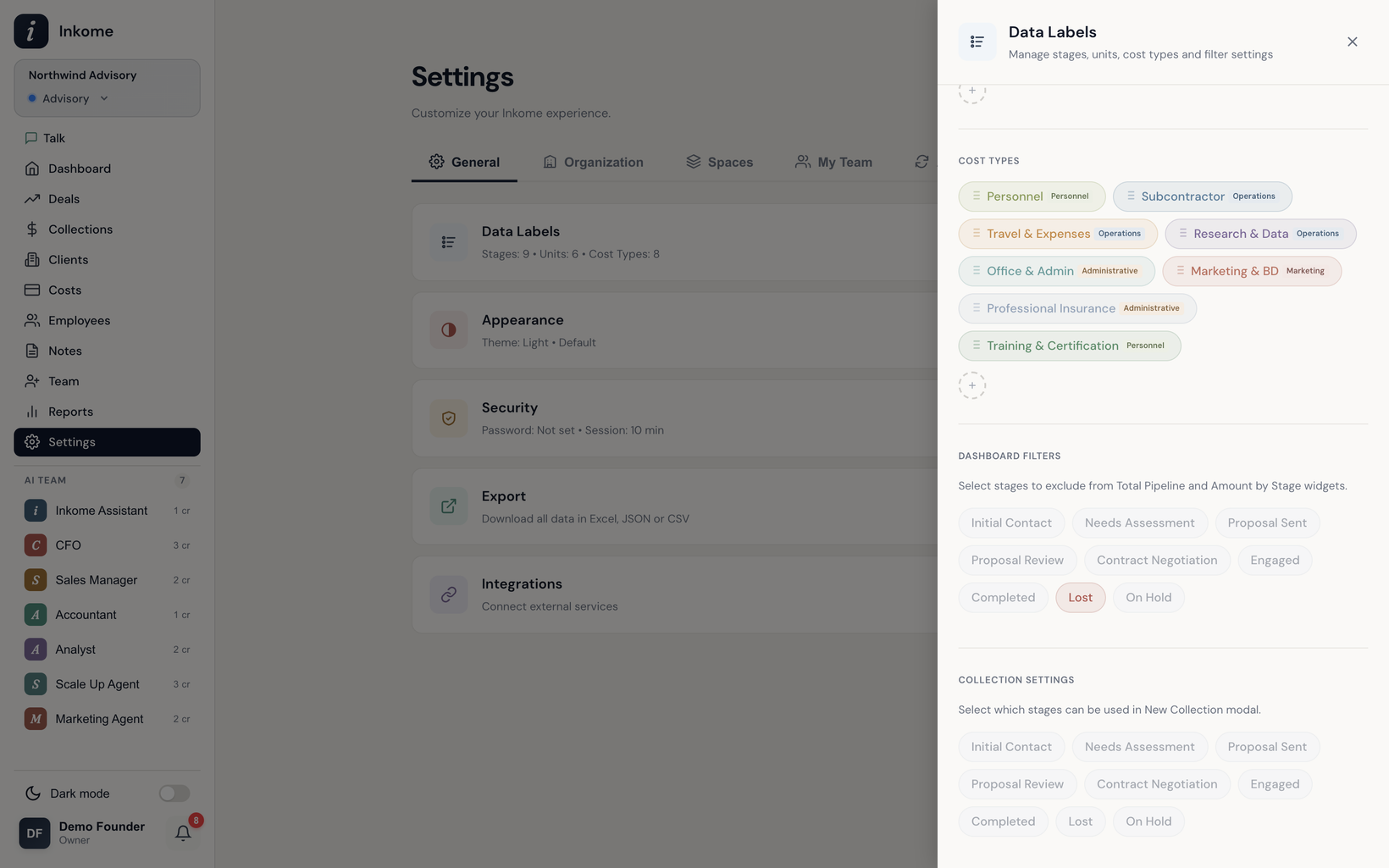
What a cost type is
Each cost is tagged with one cost type. A cost type has a name, a color for its badge, and a category. Like stages and units, cost types are per space and are seeded from your industry when the space is created — a consulting space starts with Personnel, Subcontractor, Travel & Expenses, and more, while an agency space starts with Freelancer, Media Spend, Production Costs, and so on.
You can rename, recolor, add, and delete cost types freely.
The six categories
Every cost type rolls up into one of six fixed categories, so reports can group spending consistently no matter what you’ve named your types:
| Category | For |
|---|---|
| Personnel | Salaries, draws, contractor pay |
| Operations | Day-to-day delivery costs |
| Technology | Software, tools, infrastructure |
| Marketing | Ads, promotion, BD |
| Administrative | Office, insurance, licensing |
| Other | Anything that doesn’t fit |
A new cost type defaults to the Other category if you don’t choose one.
Managing cost types
Cost types are managed in the space’s settings. Adding one asks only for a name (a default color and the Other category fill in automatically); you can refine the color and category afterward. New types are added to the end of the list, and you can reorder them.
Because cost types feed the dashboard and reports, a tidy, consistent set pays off — group similar spending under the same type and the cost trend and category breakdowns become genuinely useful. See Reports.
Prev: Costs overview Next: Allocating costs to deals Up: User guide index