Multi-currency collections
You might quote a deal in EUR but get paid in TRY, or run one space across several currencies. Inkome lets every collection carry its own currency and converts between them using the exchange rate from the day the money moved — so your totals stay honest. This page explains how that works.
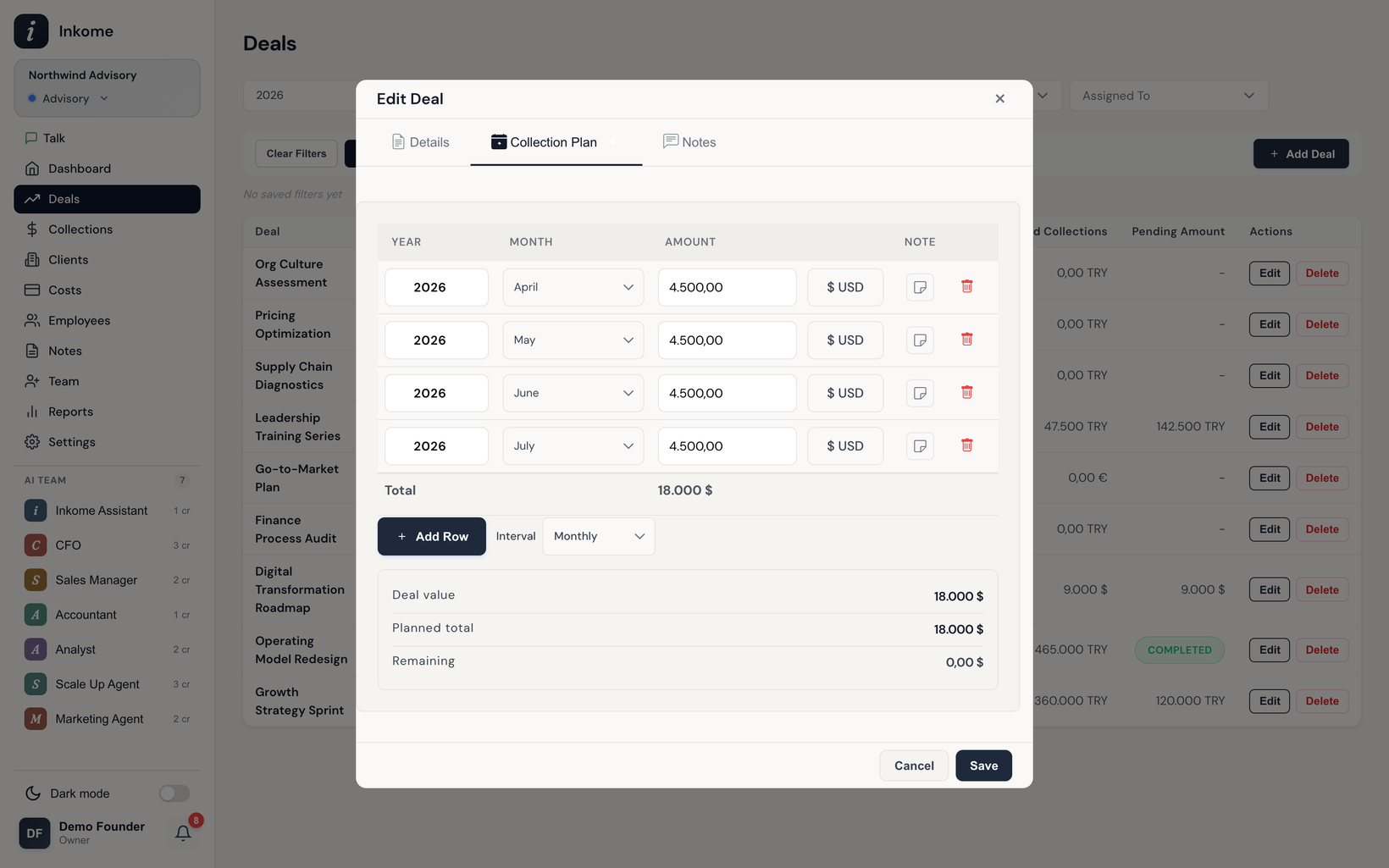
Three currencies, per record
Inkome works in three currencies: TRY, USD, and EUR. Each space has a default currency, and a deal inherits it — but every individual collection can override it. So a EUR deal can have a TRY collection against it; the currency lives on the record, not just the space.
The live conversion hint
When a collection’s currency differs from its deal’s currency, the form shows a conversion hint right under the amount — something like ≈ ₺32.500,00 (deal currency). This tells you what the payment is worth in the deal’s terms, so you can sanity-check it against the deal value before saving.
The conversion uses the collection date to pick the exchange rate, not today’s rate. A payment dated three months ago is converted at that day’s rate. This matters: it keeps historical collections valued the way they actually were, instead of being distorted by later currency swings.
How rates work
| Behavior | Detail |
|---|---|
| Base currency | All rates are stored relative to EUR internally. |
| Cross conversion | TRY ↔ USD is computed via EUR (e.g. TRY → EUR → USD). |
| Historical rates | Rates are kept by date; the closest available date is used if an exact match isn’t found. |
| Refresh | Current rates update daily; conversions never require manual rate entry. |
You don’t manage any of this by hand — Inkome maintains the rate data and applies it automatically. See Currency settings for the space default and related options.
Reporting across currencies
On the dashboard and in reports, amounts in different currencies are converted to a common currency so totals add up. Because conversion is date-aware, a mixed-currency pipeline still produces a single, comparable figure.
Prev: Collection plans (planned revenue) Next: Costs overview Up: User guide index