Theme (light / dark)
You’ll spend real time looking at Inkome, so it should be easy on your eyes. Inkome ships in light and dark, and can switch between them on a schedule so it dims itself in the evening without you thinking about it.
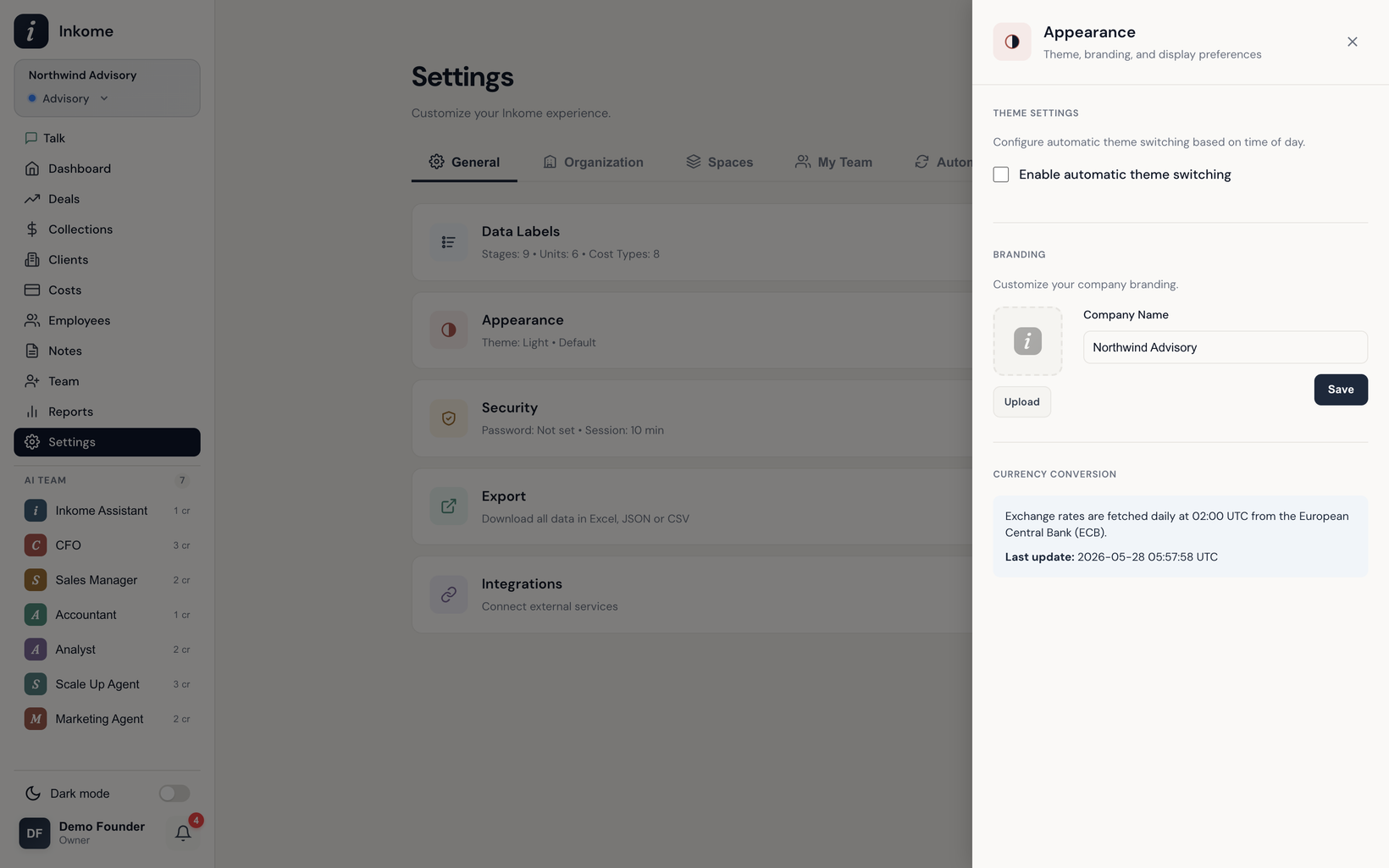
Light, dark, or automatic
Theme lives under Appearance in the General settings tab. You have two modes:
- Manual — you pick light or dark and it stays put. (A quick theme toggle is also available in the chat panel.)
- Automatic — Inkome flips between light and dark based on the time of day.
When auto theme is on, you set two times:
| Setting | What it does |
|---|---|
| Light mode start | The hour Inkome switches to the light theme |
| Dark mode start | The hour Inkome switches to the dark theme |
The Appearance panel also shows the current time and which theme is active right now, so you can confirm your schedule is doing what you expect.
A per-person choice
Your theme is your own preference — it doesn’t change what teammates see, and it isn’t tied to a space or organization. Set it once and it follows you.
Prev: Custom labels & terminology Next: Integrations: Stripe, Shopify, iyzico Up: User guide index