Settings overview
Settings is where you shape Inkome to fit your business — what things are called, what currency you work in, how it looks, who’s on the team, and what you’re paying for. Some of those choices belong to the whole organization, and some belong to a single space. Knowing which is which saves confusion later.
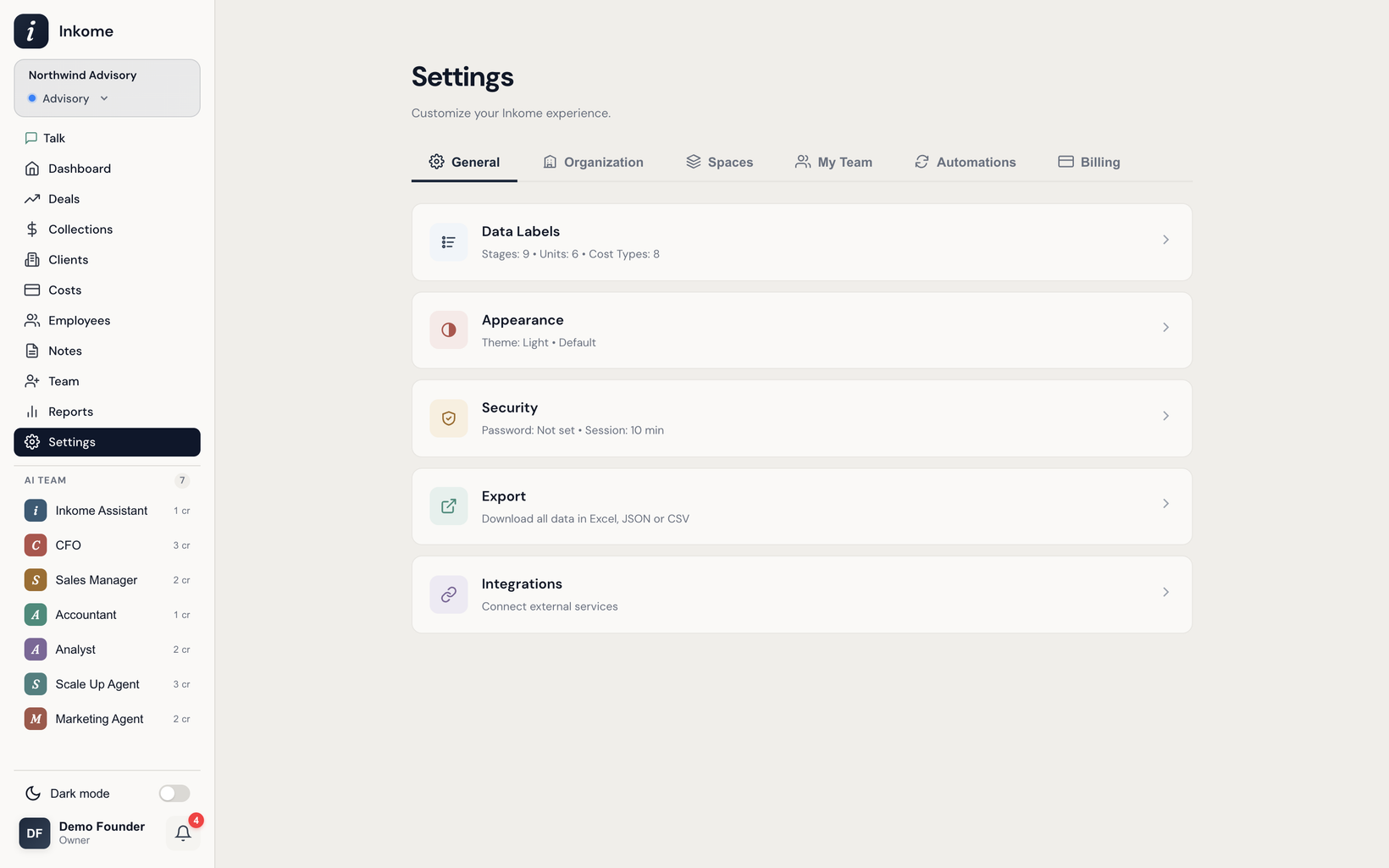
The settings tabs
The Settings page is organized into tabs:
| Tab | What it covers | Level |
|---|---|---|
| General | Data Labels, Appearance, Security, Export, Integrations | Mixed (see below) |
| Organization | The organization name | Organization |
| Spaces | Create, edit, and delete spaces | Organization |
| My Team | Your AI agents — enable, configure, route with @AgentName |
Organization |
| Automations | Scheduled reports, alerts, and recurring tasks | Organization |
| Billing | Your plan, usage, and upgrades | Organization |
Only owners and admins can open Settings — it’s hidden for members and viewers. See Members & roles.
The General tab
The General tab is a list of categories. Each one opens a slide-out panel:
- Data Labels — your stages, units, and cost types, plus which stages count toward pipeline and collections. See Custom labels & terminology.
- Appearance — currency display and the light/dark theme, covered in Currency and Theme.
- Security — session timeout and the employee password.
- Export — download all your data in Excel, JSON, or CSV.
- Integrations — connect Stripe, Shopify, and iyzico. See Integrations: Stripe, Shopify, iyzico.
Organization-level vs space-level
This is the distinction worth remembering:
- Organization-level settings apply across every space: the organization name, the team, billing, and integrations (a Stripe or Shopify connection belongs to the organization).
- Space-level settings apply only to the space you’re in: its stages, units, cost types, and default currency. These can’t be edited while you’re in All Spaces mode — pick a specific space first, and Inkome will tell you when a setting is space-specific.
When in doubt: if it’s about who’s in the company or what you pay, it’s organization-level. If it’s about how one revenue stream is tracked, it’s space-level.
Prev: Working across multiple organizations Next: Currency Up: User guide index